
What API keys authorize
API keys are required for:- Uploading metrics from endpoints to your project
- Sending network diagnostics reports from endpoints to your project
- Connecting to your project’s Shared or Dedicated relays, which require authentication by default
- Connecting through the public relays
- NAT traversal connections to other iroh endpoints
Get an API key
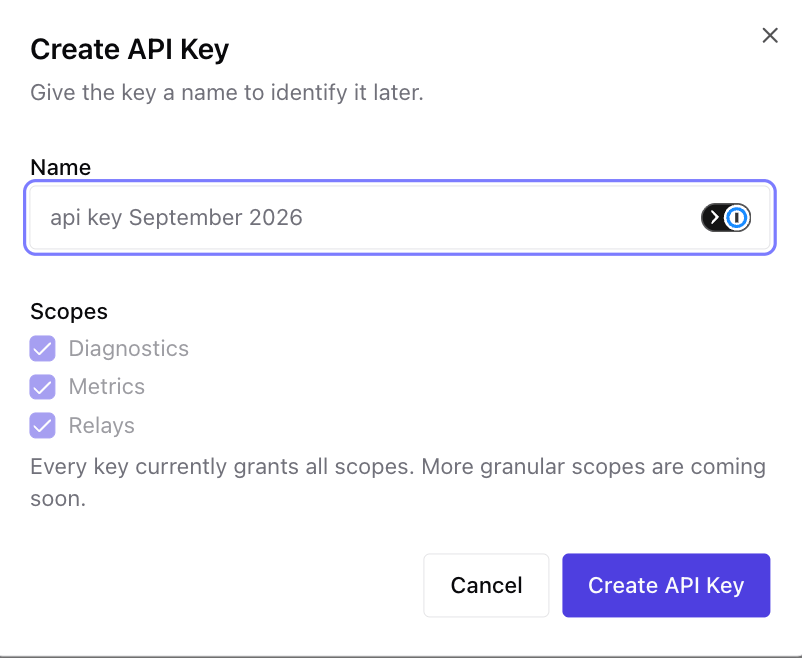
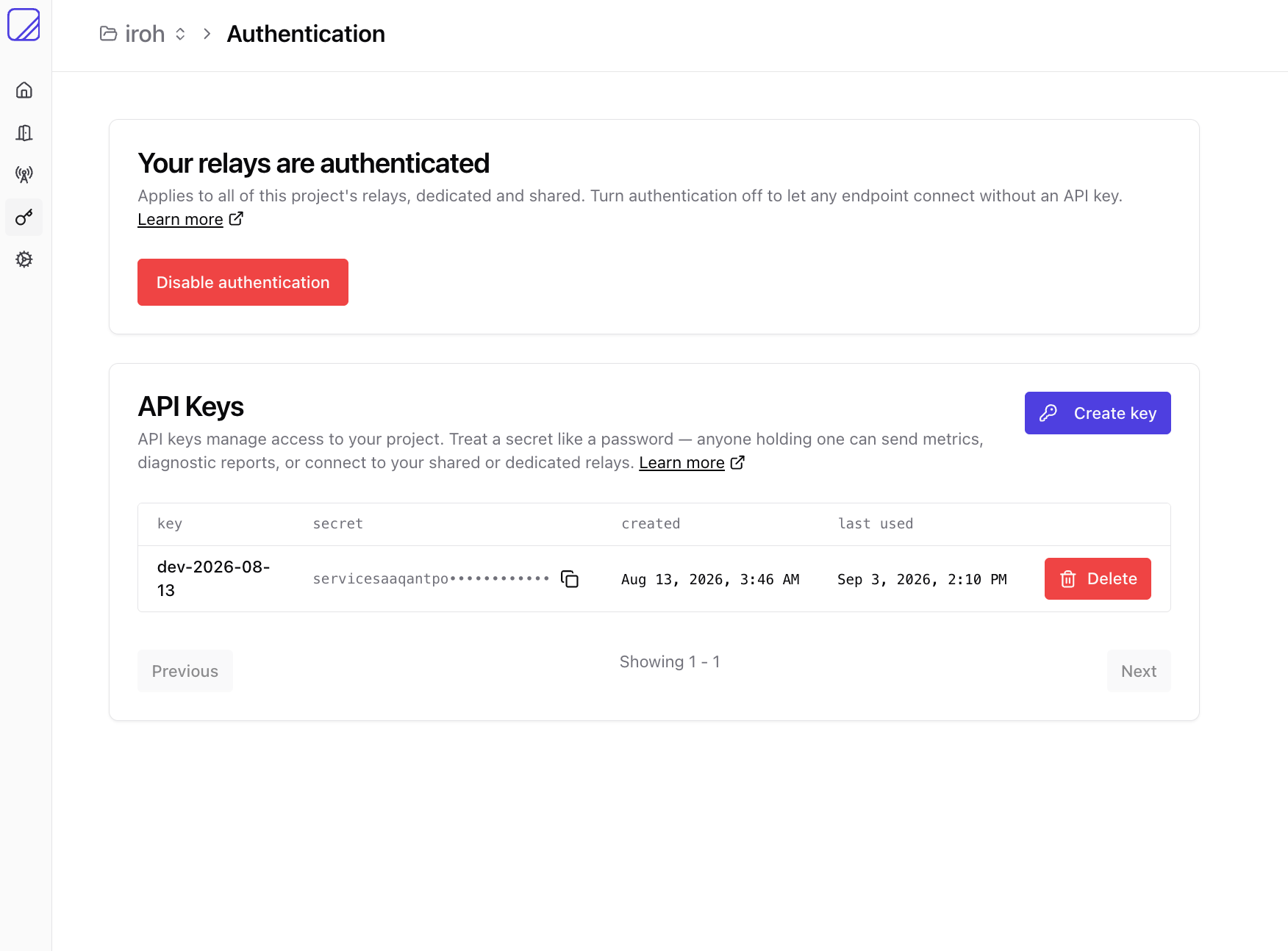
After signing in, create a new project. This is your sandbox for all endpoints, the control center where you manage relays, metrics, and networks. Then navigate to your project’s Settings → API Keys tab and click Create API Key. The key is shown once on creation, so copy it somewhere safe.
IROH_SERVICES_API_SECRET (named for legacy reasons; same thing as your API key).
Use it in your app
Pass the key toiroh_services::preset(), bind your endpoint with the preset,
then hand the same preset to the client:
api_secret_from_env() to read
IROH_SERVICES_API_SECRET.
For a full walkthrough (creating an endpoint, naming it, and verifying it on the
dashboard) see the Iroh Services quickstart.
How relay authentication works
The API key is a long-lived, project-wide signing secret. The SDK does not send that secret to a relay. Instead, when you build an endpoint withiroh_services::preset(), it uses the API key locally to sign a capability
token that:
- Is bound to that endpoint’s Endpoint ID
- Grants only relay-use capability for the relay connection
- Expires after 30 days by default